Build a custom workout
Browse exercises, save a routine, and track sets and reps as you go.
- 1 · Open Workouts → My Custom Workouts
- 2 · Add exercises from the library
- 3 · Log your sets during the session
App guide
Short how-to videos and step-by-step walkthroughs for every part of the app — from your first session to your hundredth.
You'll be tracking your first session in under two minutes.
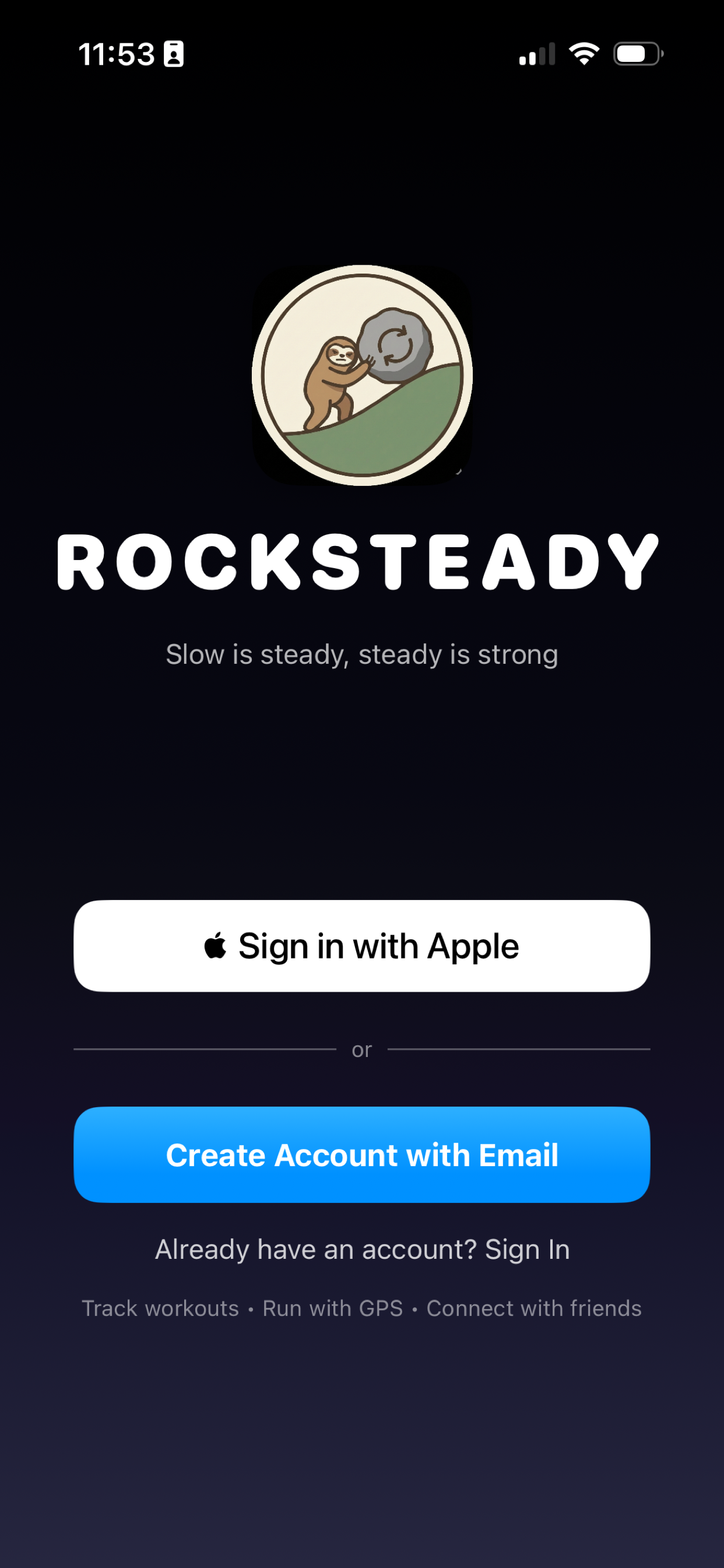
Grab RockSteady from the App Store and sign in with Apple or email. No setup wizard, no fuss.
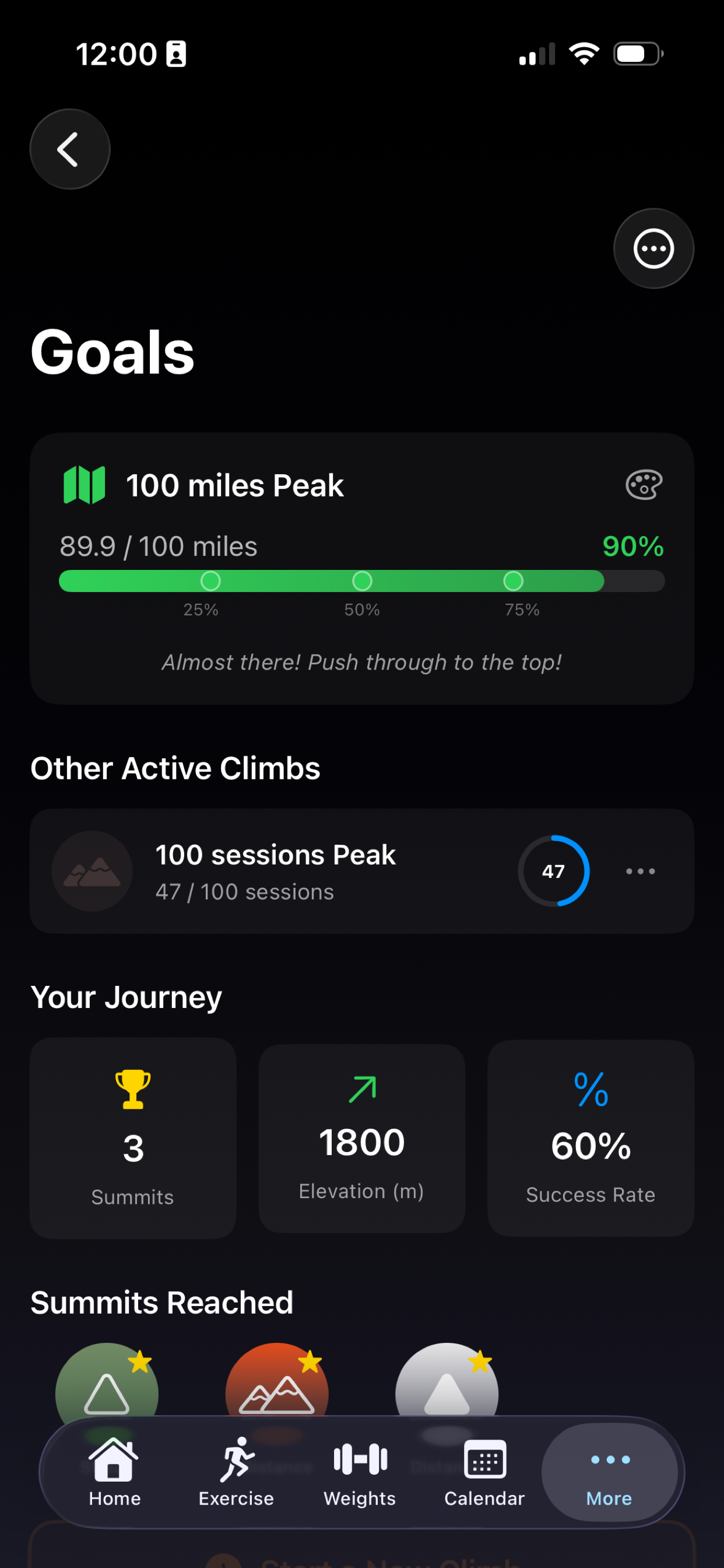
Tell the app what you're working toward and it'll shape a plan around your pace — not someone else's.
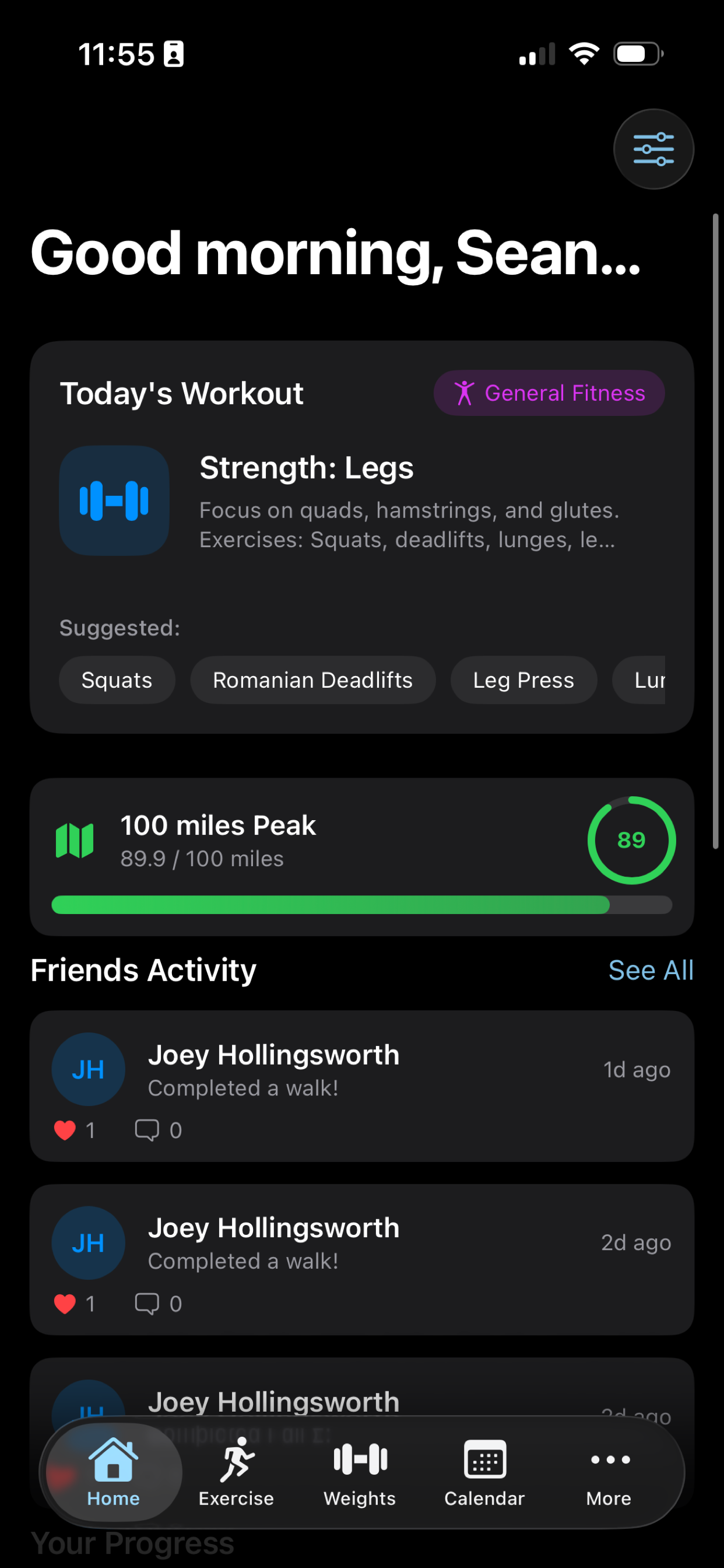
Tap into Workouts or Cardio, record what you did, and watch it land on your home screen. That's it.
Start here · 3 min
The fastest way to learn the app. We'll walk through the home screen, building a workout, tracking cardio and logging recovery — all in one short video.
Video coming soon — we're filming the how-to series now.
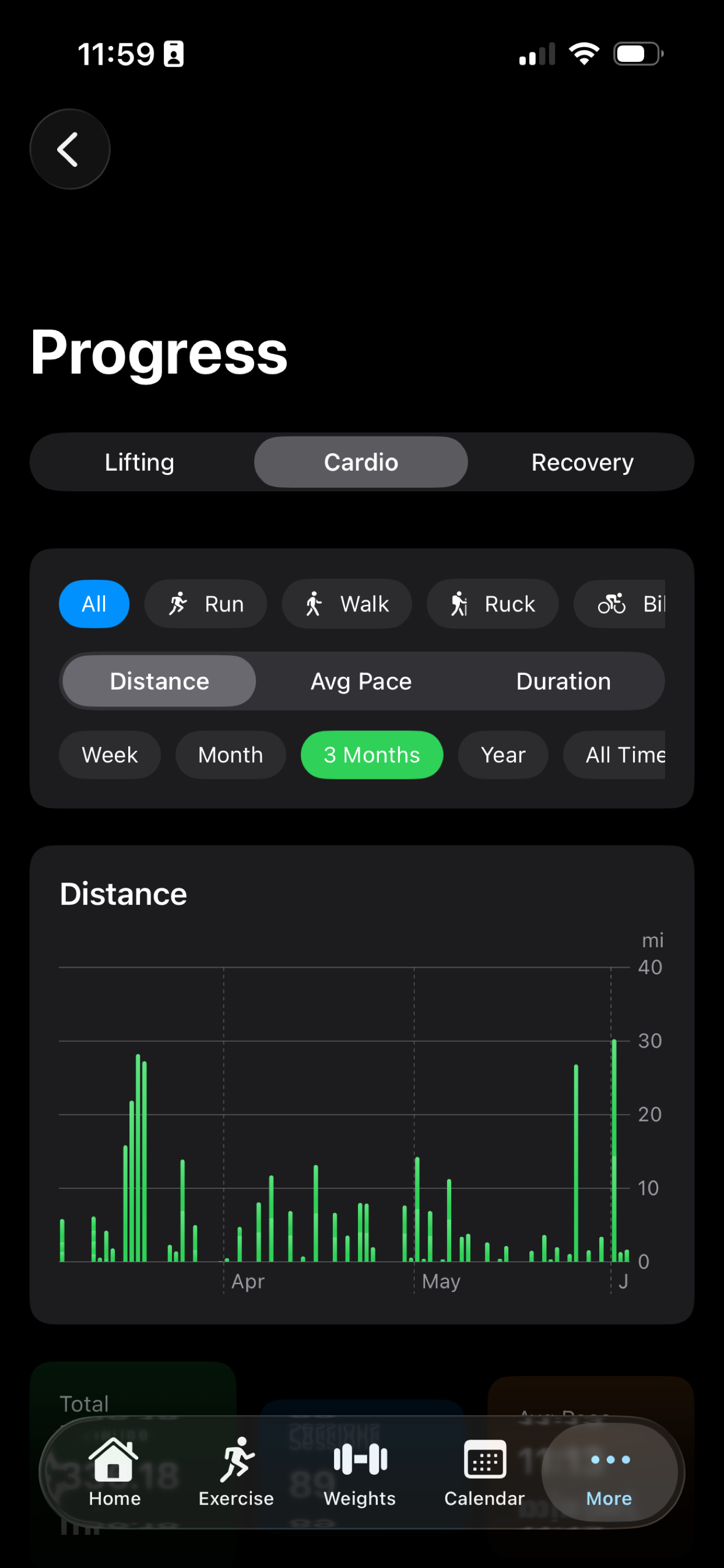
Two-minute walkthroughs for each part of the app. New videos added as the series rolls out.
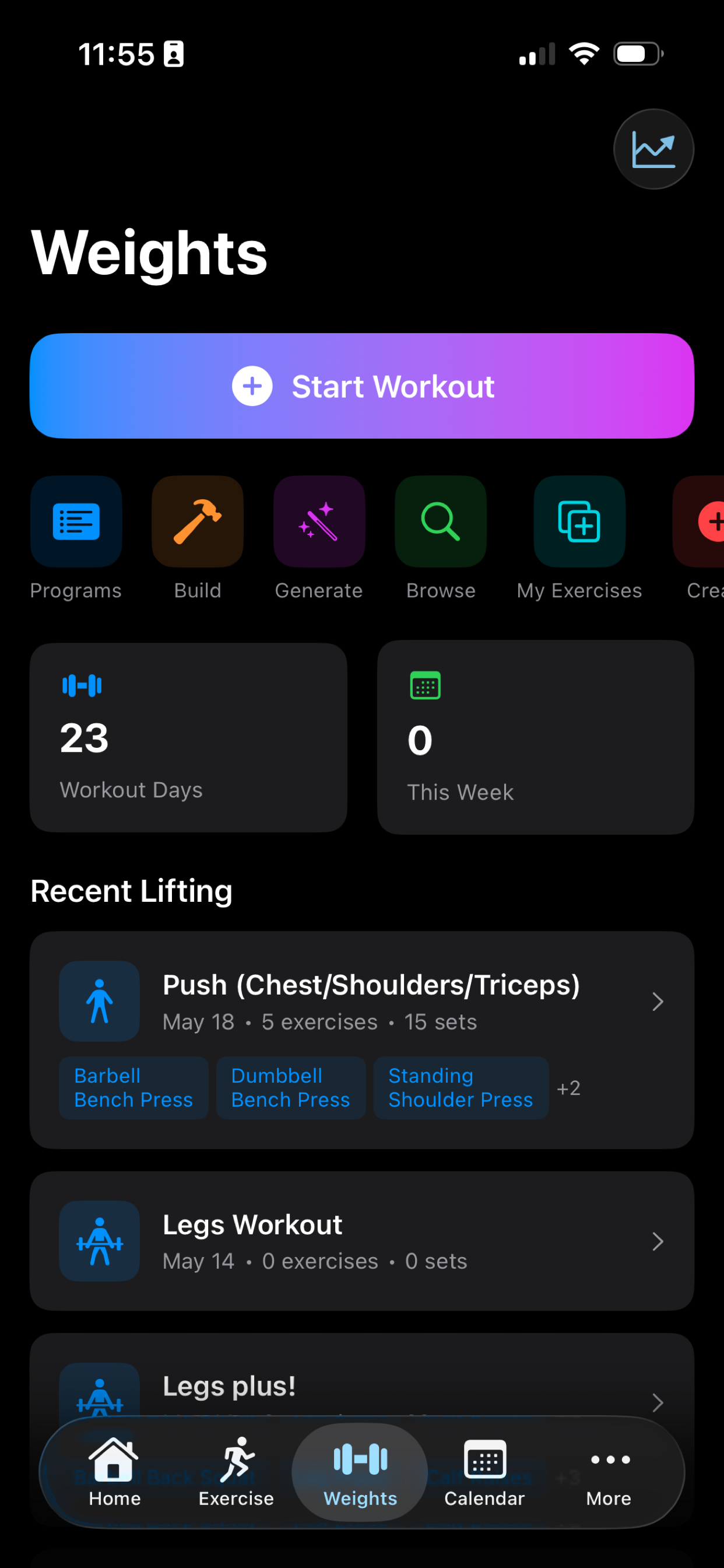 2:10
2:10Browse exercises, save a routine, and track sets and reps as you go.
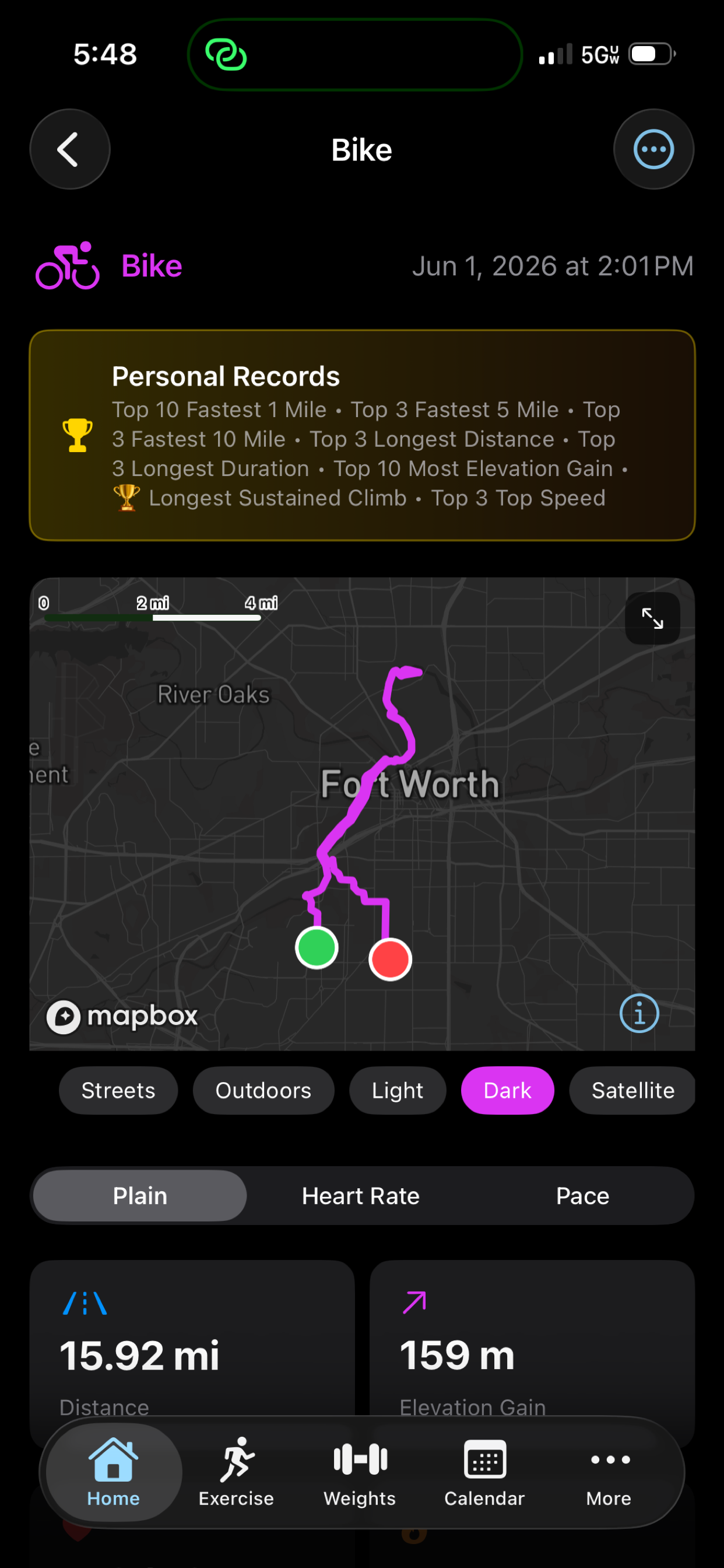 1:48
1:48Start an outdoor run or ride with a live map, or time an indoor session.
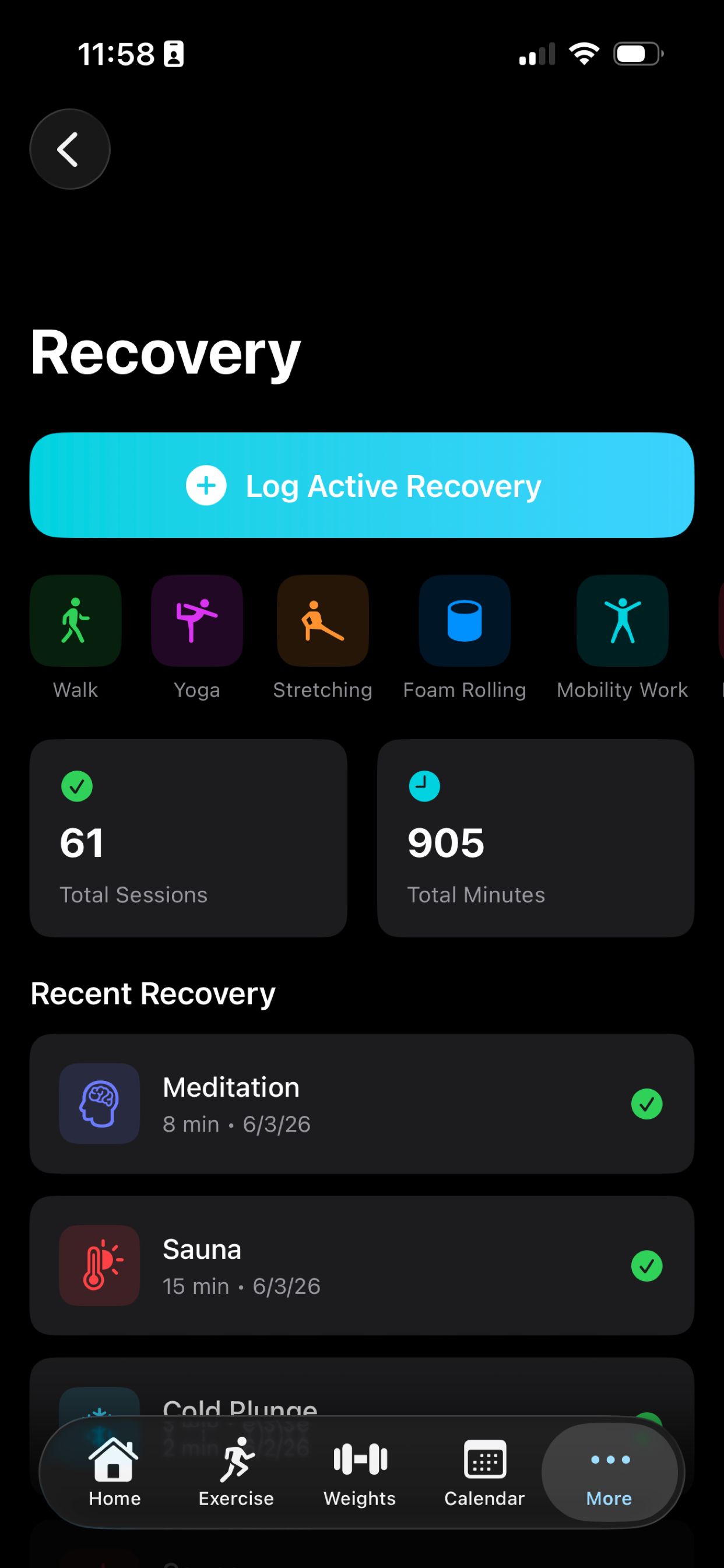 1:32
1:32Record stretching, meditation and rest days so recovery counts too.
 2:05
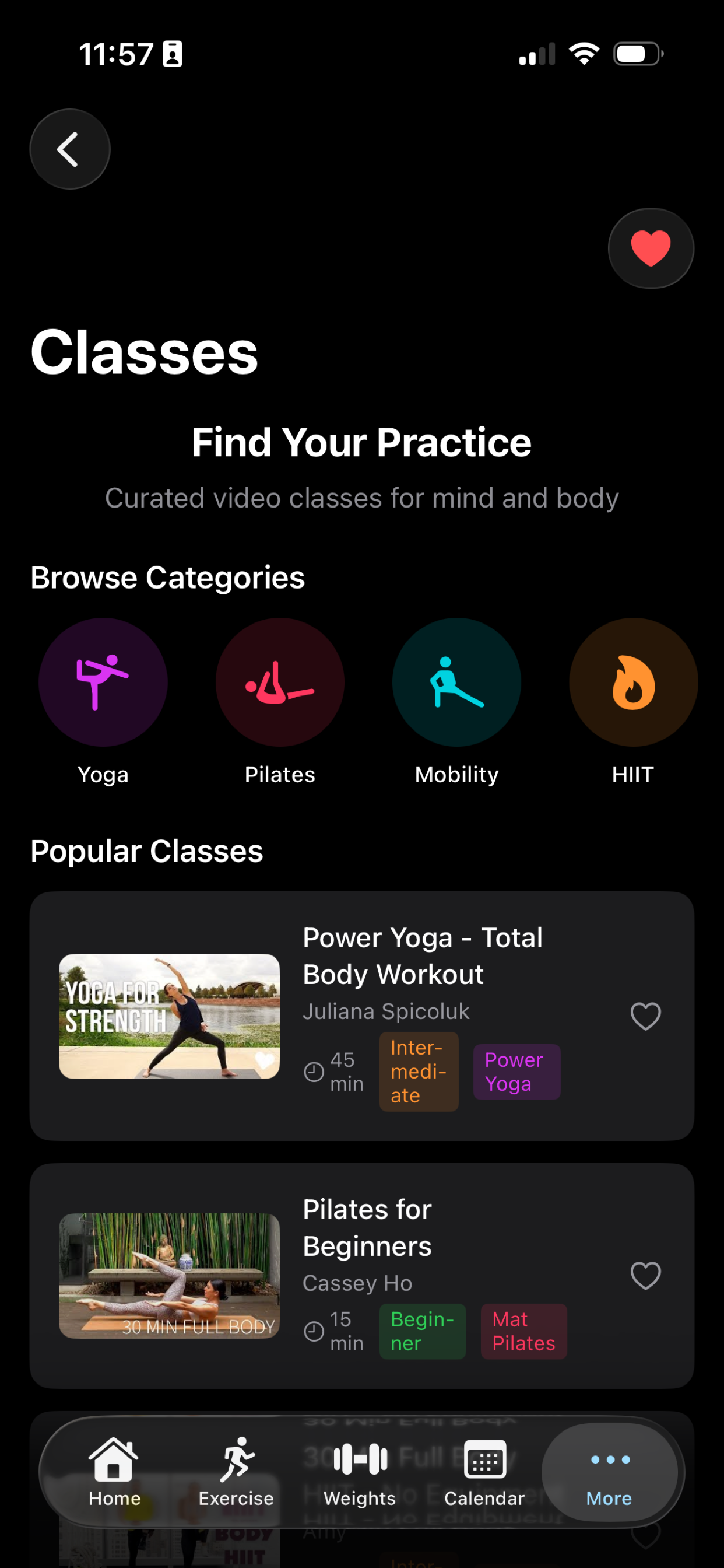
2:05Follow guided classes and add mobility work to your week.
1:40Use the calendar and stats to see your consistency compound.
1:25Share wins and cheer each other on — without leaderboards or pressure.
On your wrist
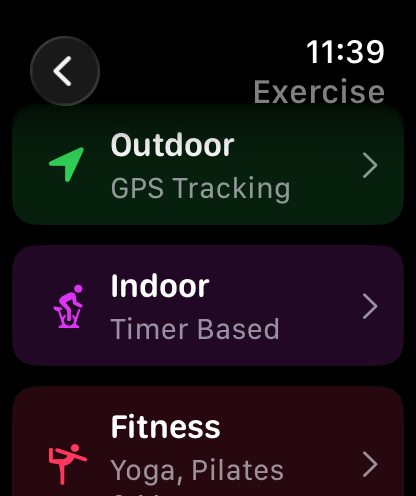
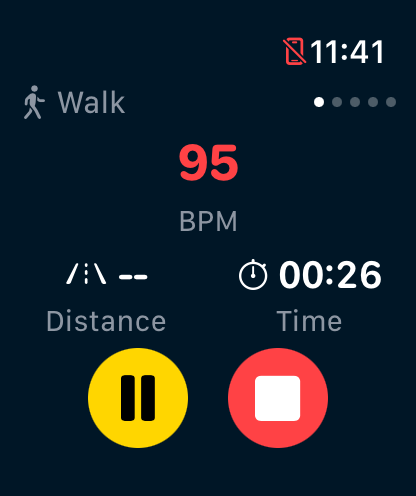
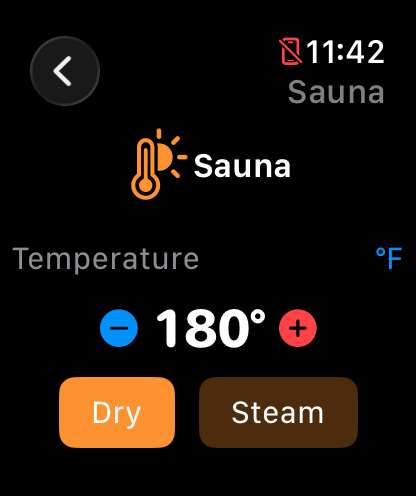
No phone required. The watch app mirrors everything you can do on iPhone — and syncs the moment you finish.
Yes — tracking workouts and viewing your history work offline, since that data lives on your device. Social features need an internet connection.
Your activity history and GPS routes are kept on your device, and Apple Watch sessions sync through your private iCloud. Deleting the app removes the history stored locally.
Use “Forgot Password?” on the sign-in screen. If you signed up with Apple, your sign-in is managed by Apple — there's no separate password.
Still stuck? Read the full user guide or contact support →
Download RockSteady and log your first session today.
Download on theApp StoreAvailable on iPhone. Android coming later.